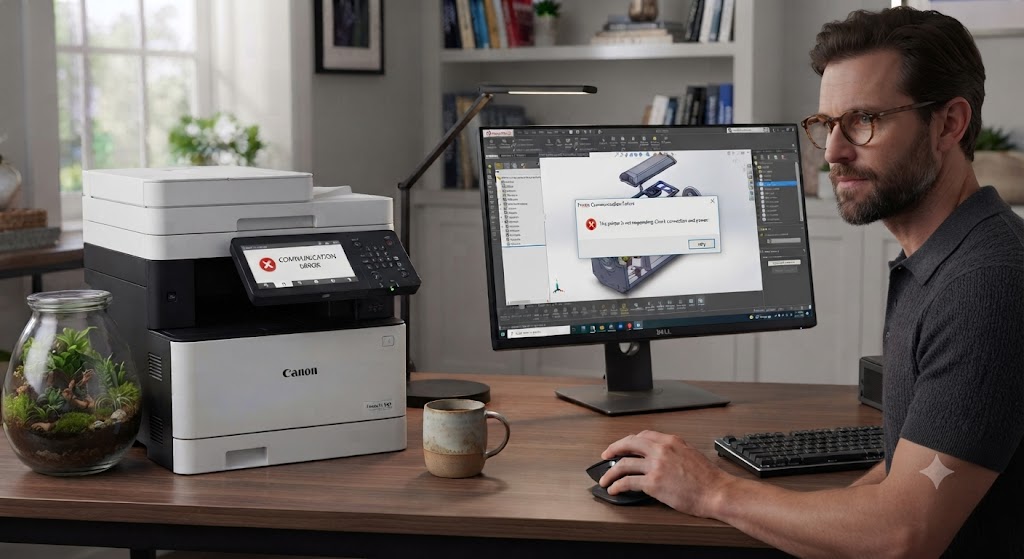
Why is my printer having a communication error?
A printer communication error is a common issue that prevents your computer and printer from exchanging information. When this happens, your printer may stop responding, refuse to print documents, display an error message, or appear offline even though it is turned on. Communication errors can affect both wired and wireless printers and may occur with any printer brand.
In most cases, a communication error does not mean your printer is damaged. The problem is usually related to the connection between the printer and your computer. Loose cables, unstable Wi-Fi, outdated printer drivers, incorrect printer settings, or temporary software conflicts are some of the most common causes.
The good news is that communication errors can often be resolved with simple troubleshooting. By checking your connections, restarting your devices, updating the printer driver, and reviewing your printer settings, you can usually restore normal communication and continue printing.
What Is a Printer Communication Error?
A communication error occurs when your computer cannot send or receive information from the printer.
Even if the printer is powered on, it may not receive print jobs or respond to commands.
The issue may involve hardware, software, or network communication.
Understanding the cause helps you find the right solution.
Restart the Printer
-
Temporary software glitches can interrupt communication.
-
Turn off the printer completely.
-
Disconnect the power cable for a short time.
-
Reconnect the cable and turn the printer back on.
-
Allow the printer to complete its startup process before printing again.
Restart Your Computer
-
Your computer may also experience temporary software conflicts.
-
Restart the computer completely.
-
After restarting, send a small document to the printer.
-
Many communication problems disappear after a system restart.
Check the Printer Connection
-
If you use a wired printer, make sure the cable is securely connected to both the printer and the computer.
-
If you use a wireless printer, confirm that the printer and computer are connected to the same Wi-Fi network.
-
A stable connection is essential for successful communication.
Verify Printer Status
-
Open your printer settings.
-
Make sure the printer is online and selected as the default printer.
-
Also check that it is not paused or set to offline mode.
-
Correct settings help restore communication.
Clear the Print Queue
-
A damaged or stuck print job can interrupt communication.
-
Open the print queue.
-
Delete all pending print jobs.
-
Restart the printer if necessary.
-
Then try printing again.
Update the Printer Driver
-
The printer driver allows your computer to communicate with the printer.
-
If the driver is outdated or damaged, communication errors may occur.
-
Install the latest printer driver available for your printer model.
-
Restart your computer after updating the driver.
Restart the Wireless Router
-
If you are using a wireless printer, restart your router.
-
Allow the network to reconnect completely.
-
Reconnect the printer if necessary.
-
A refreshed network often restores communication.
Reinstall the Printer
-
If the communication error continues, remove the printer from your computer settings.
-
Restart both the printer and computer.
-
Add the printer again using the setup process.
-
A fresh installation often resolves persistent connection issues.
Install Operating System Updates
-
Updated operating system software improves compatibility with printers.
-
Check for available updates.
-
Install them if needed.
-
Restart your computer after the updates are complete.
Print a Test Page
-
After completing the troubleshooting steps, print a test page.
-
If the page prints successfully, communication between your computer and printer has been restored.
-
Continue monitoring printer performance during normal use.
Common Reasons for Printer Communication Errors
Several issues can interrupt communication between your computer and printer.
Common causes include:
-
Loose cable connections.
-
Weak Wi-Fi signal.
-
Printer connected to the wrong network.
-
Outdated printer driver.
-
Damaged printer driver.
-
Incorrect printer settings.
-
Printer showing offline.
-
Stuck print queue.
-
Temporary software conflicts.
-
Network interruptions.
-
Operating system compatibility issues.
-
Printer configuration problems.
Reviewing these possibilities helps identify the problem more quickly.
Tips to Prevent Printer Communication Errors
Regular maintenance helps improve printer reliability.
-
Keep the printer driver updated.
-
Maintain a stable network connection.
-
Restart the printer occasionally.
-
Install operating system updates.
-
Check printer settings regularly.
-
Clear completed print jobs from the queue.
-
Keep cable connections secure.
-
Ensure the printer stays connected to the correct Wi-Fi network.
These simple habits help reduce future communication problems.
FAQs
Why is my printer showing a communication error?
This is commonly caused by connection problems, outdated printer drivers, incorrect printer settings, software conflicts, or network interruptions.
How do I fix a printer communication error?
Restart the printer and computer, check the connection, clear the print queue, update the printer driver, and reconnect the printer if necessary.
Can an outdated printer driver cause communication errors?
Yes. A damaged or outdated printer driver can interrupt communication between your computer and printer.
Why should I clear the print queue?
A stuck print job can block communication and prevent new documents from printing.
Can Wi-Fi problems affect printer communication?
Yes. A weak or unstable wireless connection can prevent the printer and computer from communicating properly.
When should I get printer help?
Additional printer help may be useful if communication errors continue after completing the recommended troubleshooting steps.
Conclusion
A printer communication error is usually caused by connection problems rather than hardware failure. Loose cables, weak Wi-Fi signals, outdated printer drivers, incorrect settings, software conflicts, and network interruptions are among the most common reasons.
Restarting your printer and computer, checking the connection, updating the printer driver, clearing the print queue, restarting the router, and reinstalling the printer can solve most communication issues.
How to Reach Our On-Call Support Team
Getting the help, you need is just a phone call away: